← All guest guides
Set up the Nebula projector
The Paradise field guide
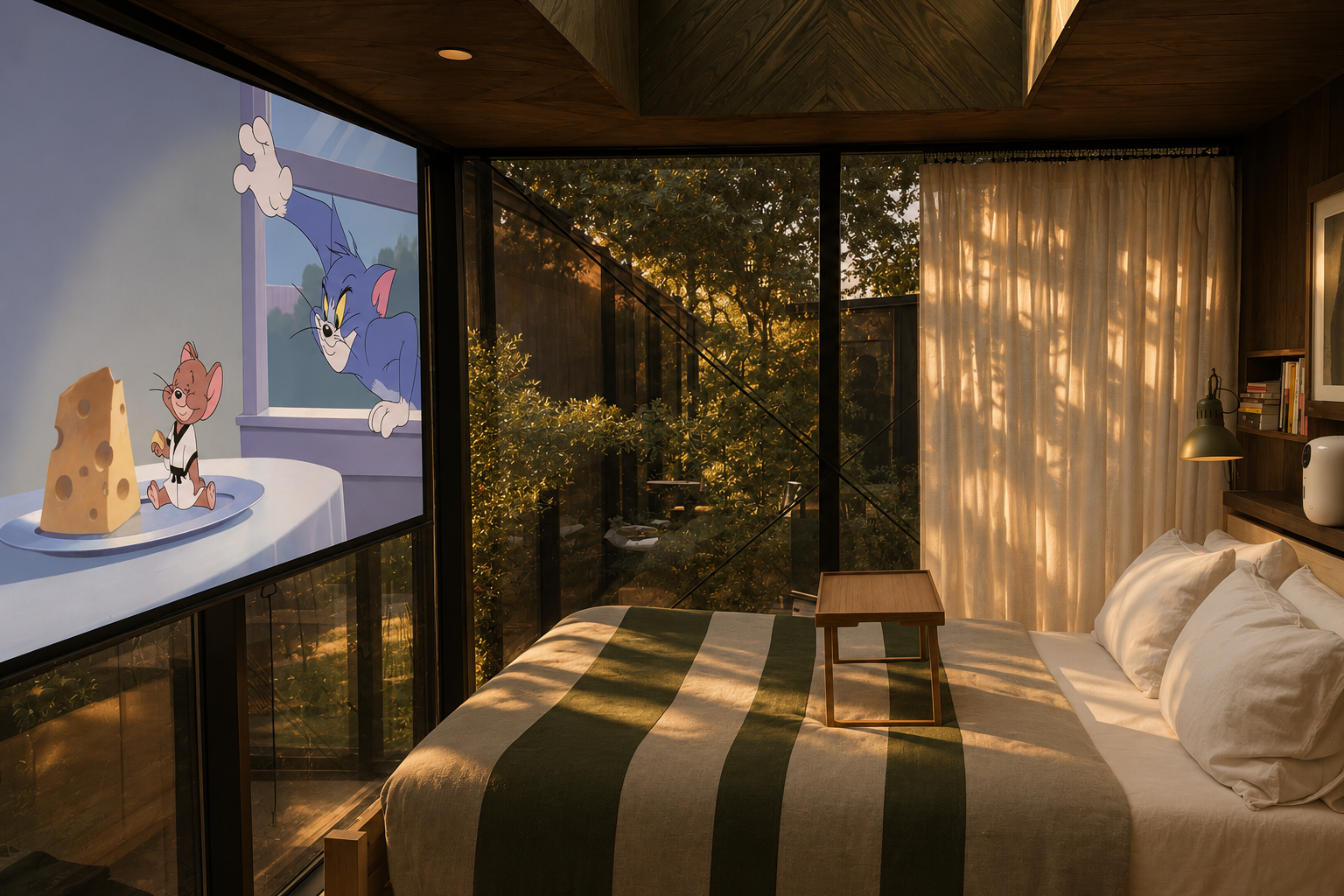
Movie night, at your own pace. Start with the Nebula quick start, then choose a topic for more help. Controls and streaming apps vary by model; follow the options shown on your supplied projector.
Your movie-night guide
Start with setup, or choose the step you need below.
Choose a topic
If the QR code will not scan
- Check that the projector is connected to STARLINK and that the app is on its Sign in screen.
- Use your phone’s Camera app, not its Wi-Fi scanner. Frame the whole QR square and move closer or farther away until it is sharp. Tap the link when it appears.
- If the sign-in screen offers a web address and a short code, type that address into your phone’s browser and enter the code currently on the projector.
- If the code has expired, return to the app’s Sign in screen for a fresh code. Use the new code rather than an old screenshot.
- If Netflix says the device is outside your household, use its travelling or temporary-access option if offered. Follow the account-verification prompts; do not change your home household to the ranch.
- If you still cannot sign in, tell the ranch which app you are using and the exact message displayed. Keep your account password private.