← All guest guides
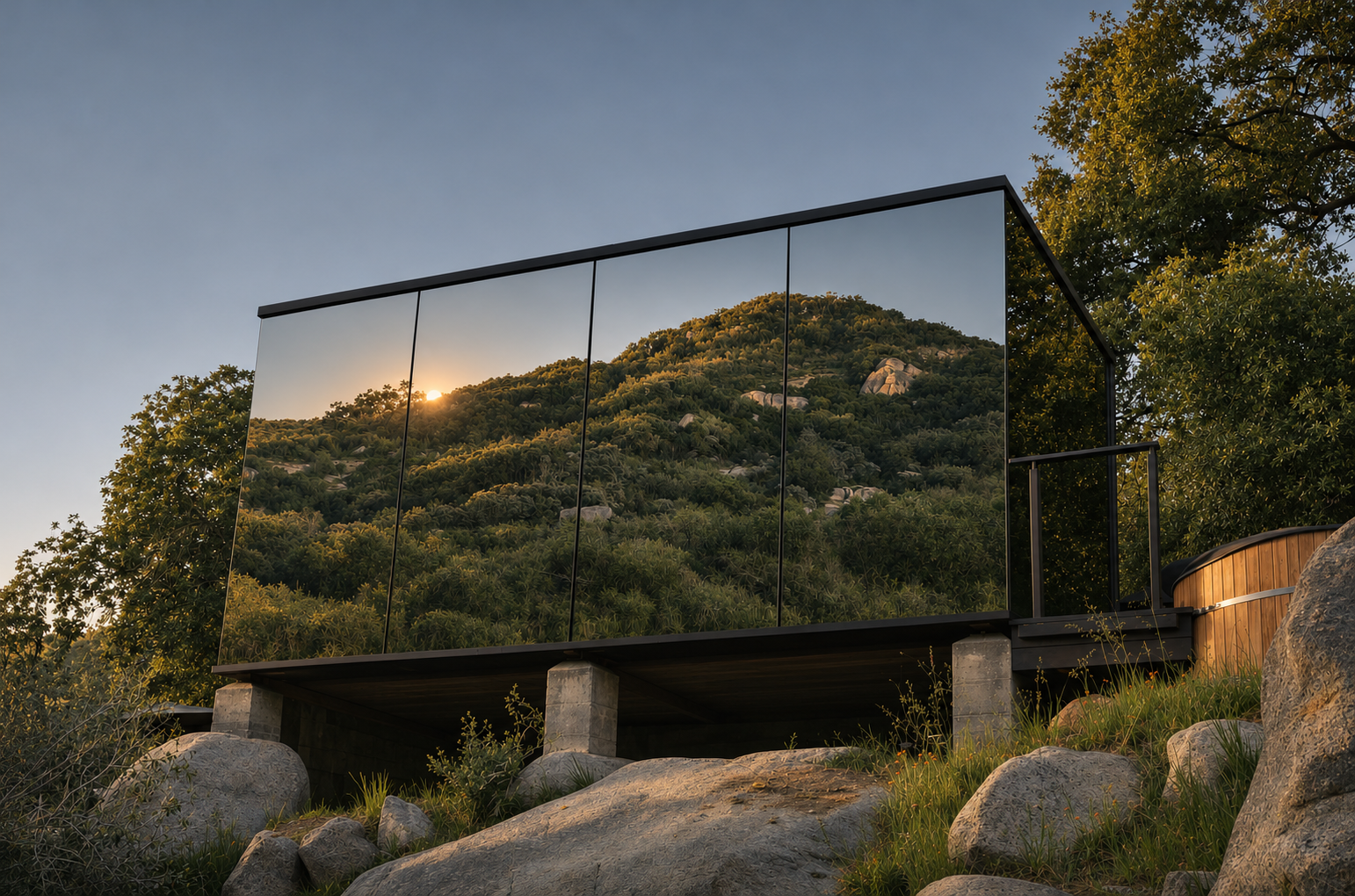
Your mirrored house
The Paradise field guide
Find the controls, learn the outdoor kitchen and settle into your corner of the ranch.
Make yourself at home
Choose an item below to learn how to use it or find your way around.
Choose a topic
Heating and cooling
- Find the climate remote identified in yellow in the wall-controls photo.
- Check the unit’s power indicator. A green light means it is on; the power button is on the side of the unit.
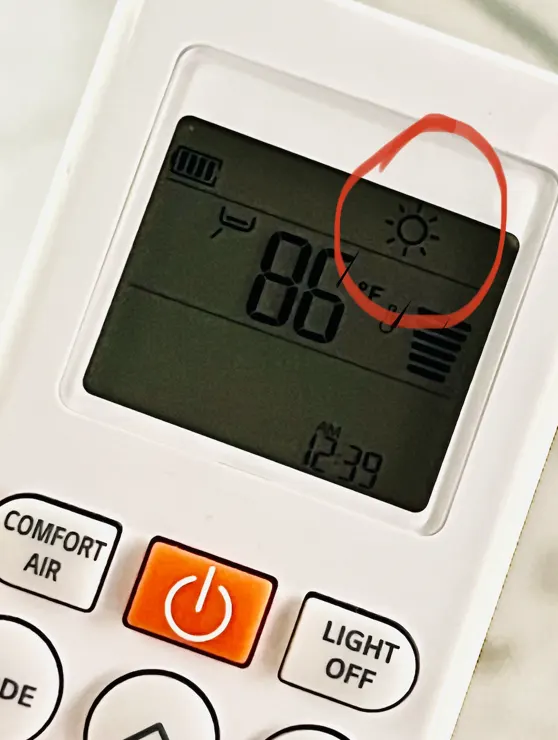
- For heating, check that the remote shows the sun symbol pictured below. If it is not in heat mode, use the labeled mode control to select the sun.
- Keep Eco selected. Use the up/down arrows to set the temperature rather than changing other settings.
- Allow a few minutes for the room temperature to respond. If it is still not warming or cooling, tell the ranch your house name and what the remote displays.