← All guest guides
EV charging
The Paradise field guide
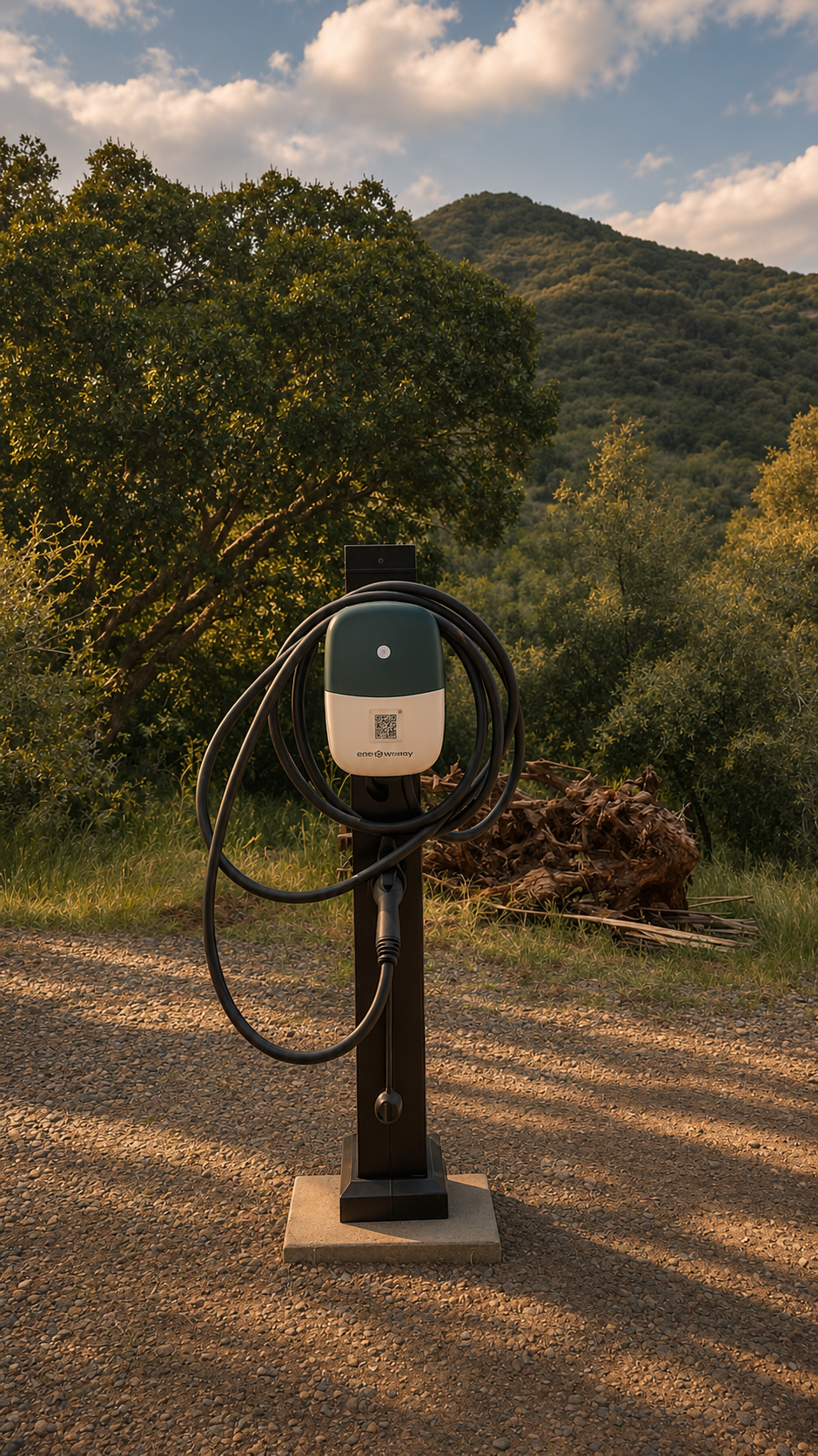
The ranch’s solar-powered Autel charger is available seasonally. Check with the ranch before bringing your vehicle to the charger.
Start a charging session
- Ask the ranch to confirm that the charger is available for your stay before bringing your vehicle to it.
- Open the Autel Charge app on your phone. Sign in or complete the app’s account setup if required.
- Use the app’s scanner on the QR code attached to the charger. Check that the station and connector displayed in the app match the charger in front of you.
- Follow the charger and app prompts to connect the plug to your vehicle. Review the session details before starting.
- Tap the app’s start control. Check that the app shows an active charging session and that your vehicle indicates charging.
- When finished, end the session in the app. Wait for the connector to unlock, unplug it, and put it back in its holder.